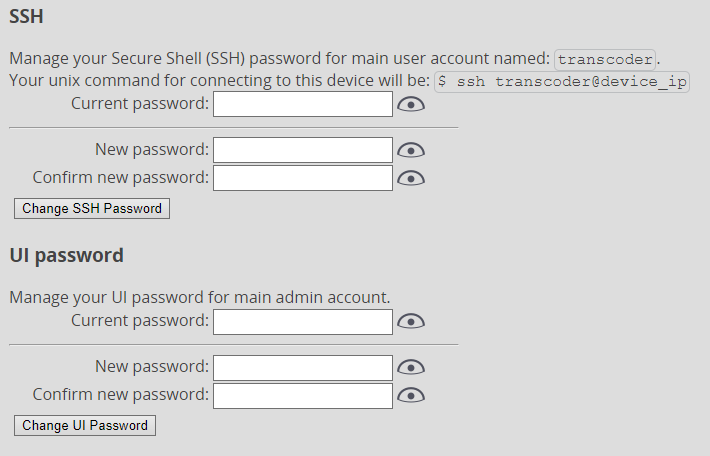
Security
To access this configuration page, you have to click on the Security button after hovering your mouse cursor over the User icon in the upper right corner.
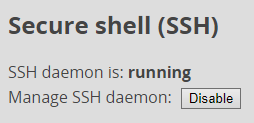
There you can disable or enable SSH access to the device altogether by clicking the Disable button underneath the Secure Shell (SSH) heading.
Additionally, you can manage passwords for the web application user and the console user by filling in the current password and setting the new password.