Audio & Metadata mapping
While configuring the output stream you can also choose which transmitted audio or metadata channels you wish to include. The configurator is shown in Figure 48
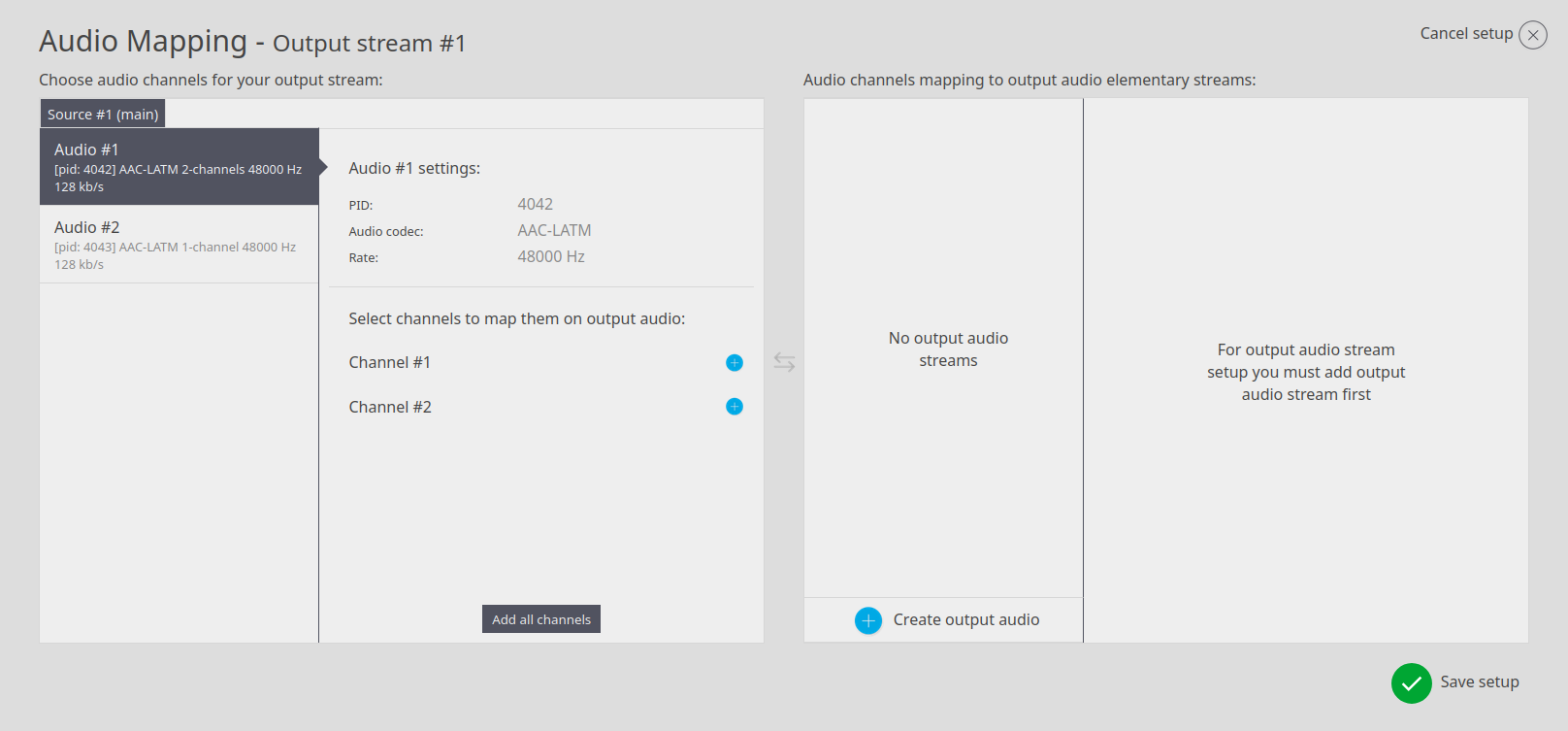
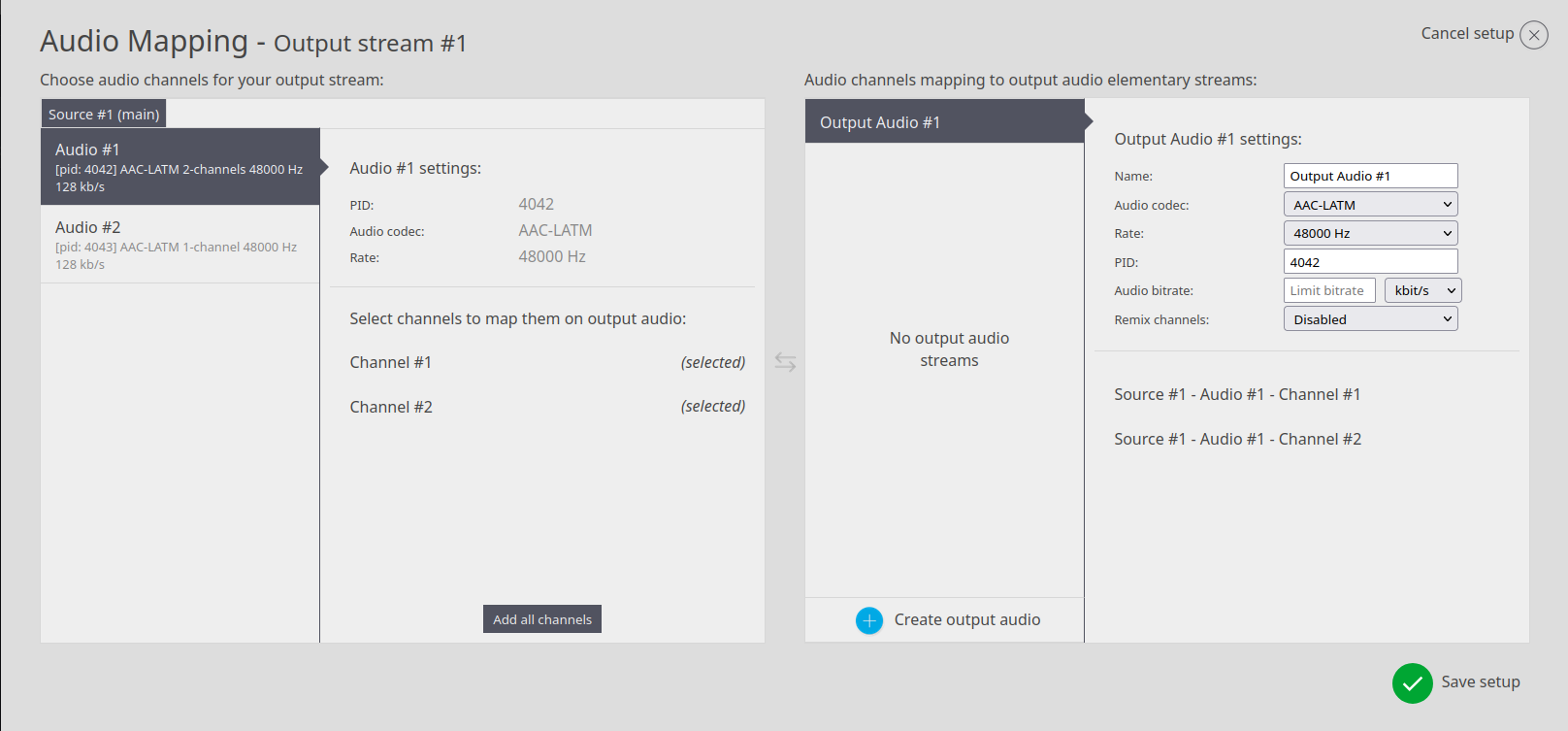
Here you can see one tab with 2 audios. You need to manually add all audio channels from each source
If you hover your mouse cursor over the output audio stream name, you will be given the option to clone the output, in case you need to create a similar one.

Currently, the list of supported output data in a single program transport stream:
-
Video:
- H.262 – 4:2:0, 8bit, up to 3840x2160p60/i60
- H.264 CPU – 4:2:2/4:2:0, 8bit/10bit, baseline/main/high profile, up to 3840x2160p60/i60
- H.264 GPU - 4:2:0, 8bit, main/high profile, up to 3840x2160p60/i60
- H.265 GPU – 4:2:0, 8/10bit, main/main10 profile, up to 3840x2160p60
- JPEG2000 GPU – 4:2:0/4:2:2, 8bit/10bit, up to 3840x2160p60/i60
- Encapsulation – standard TR01 and Evertz
- JPEGXS CPU – 4:2:2, 10-bit, up to 3840x2160p60/i60
-
Audio:
- AAC (ADTS, LATM)
- AAC-HE V1/2 (ADTS, LATM)
- AC3 up to 6 channels
- AES3
- MPEG 2
-
Closed Captions:
- H.264 insertion
-
Metadata:
- LTC insertion, SCTE 35 passthrough, Teletext, DVB Subtitles, Other Pass-through