Auto reconfiguration of Audio outputs
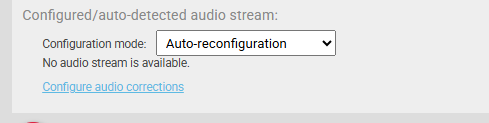
There are three modes of output audio channel layout. Passthrough, Pairs and Quads. They can be selected in the dialog window, which can be opened in the Output stream audio configuration options section. (Figure 32)
Warning: The audio mode is applied for all outputs of one pipeline!
Note: Auto-reconfiguration of audio does not currently work for 2110-30 Audio
- Passthrough – In this case, all input audio attributes will be kept and set on the audio output, preserving the original channel layout.
- Pairs – In this case, the input audio attributes will be changed. The audio/s channels will be separated into up to 8 audio pairs. E.g., for input audio with six channels, the Twenty-One Encoder will produce three audios with stereo sound (2 channels) each.
- Quads – Similar mode to Pairs, but in this case, the Twenty-One Encoder creates up to four audio outputs, with four channels each from the main input. Unused channels are silent. E.g., for input audio with six channels, the first output will have four channels with sound, the second audio will have two channels with sound and the remaining two channels will be silent.
