NMOS Support
Twenty-One Encoder support the following NMOS standards:
- IS-04 Discovery and Registration – v1.2 and v1.3.
- IS-05 Device Connection Management – v1.0 and v1.1.
All NMOS APIs are available on port 80.
Network Interface Configuration
By default, NMOS APIs are available on the eno1np0 network interface (labeled LAN 1 on the server backplate).
To use a different network interface:
-
Navigate to Setup to open the configuration wizard.
-
In the Network Connectivity step, enable the Administration + NMOS checkbox of the desired network interface.
You can enable NMOS on multiple network interfaces simultaneously if needed.
Configuring NMOS Discovery
ST 2110 streams are typically managed through a centralized NMOS Registry. Twenty-One Encoder supports multiple methods for discovering and connecting to your NMOS Registry service. The discovery is respecting the NMOS Interface Configuration described in the previous section.
To configure NMOS Registry discovery:
- Navigate to Setup > ST 2110 configuration > NMOS Configuration in the UI
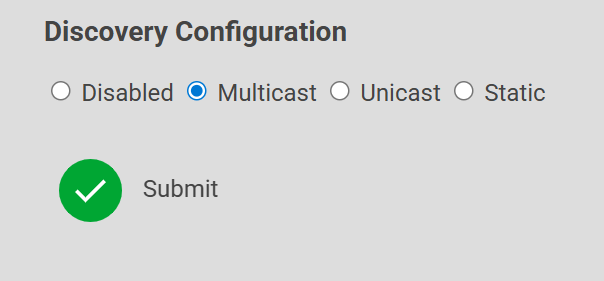
- Select one of the following discovery modes:
- Disabled – Completely disables NMOS Registry discovery
- Multicast – Discovers the registry via DNS Service Discovery on the local network via multicast.
- Unicast – Discovers the registry via DNS Service Discovery on a network specified by domain name.
- Static – Bypasses discovery and connects directly to the NMOS Registry using a manually specified Protocol, IP Address, Port, and API Version
NMOS Registry Status
You can view the current NMOS Registry connection status in two locations:
- Setup > NMOS Configuration
- Setup > System Information
When successfully connected, the status displays the registry's IP Address, Port, and API Version (see Figure 68). If not connected, the status shows empty values (see Figure 69).

